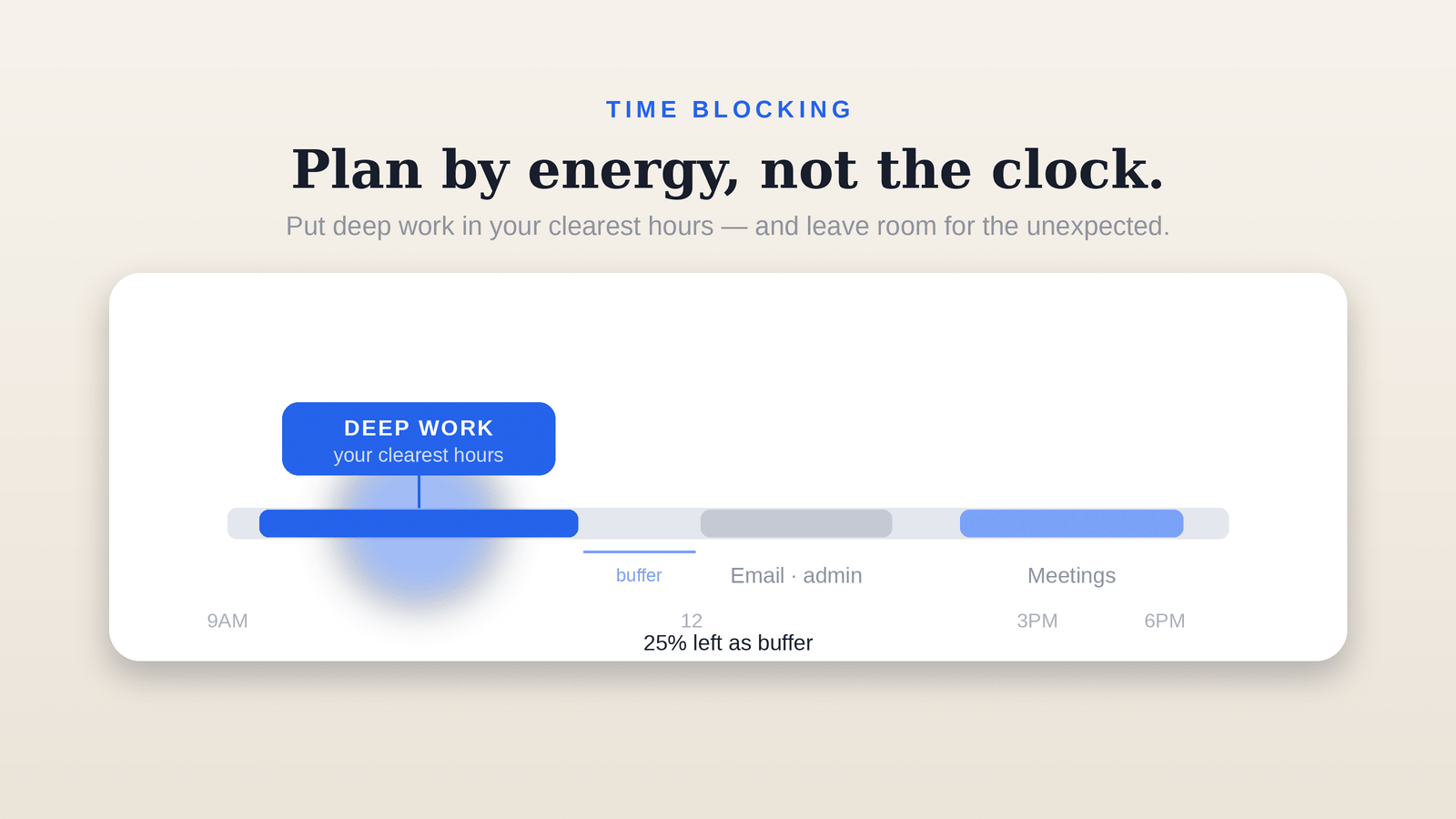
Quick answer — To time-block your day: (1) put deep, mental work in your clearest hours, and mechanical work (email, tidying) in your low-energy stretches. (2) Leave at least 25% of your schedule as buffer — for interruptions and overflow. (3) Don't estimate too optimistically; most people underestimate deep work by 50-100%. After two weeks of tracking real data, your estimates get dramatically more accurate.
What is time blocking?
Time blocking means dividing your day into set time slots assigned to specific tasks, instead of an open-ended to-do list. Not "write the report today," but "9:00-10:30 report." It shows you how long work actually takes and cuts down on drifting from one task to another.
1) Place by energy, not by the clock
Not everyone's day runs on the same rhythm. Most people's minds are clearest in the morning or before midday, then dip in the afternoon. Put your hardest, most focus-heavy work in that clear window. Leave mechanical work — email, invoices, file tidying — for your low-energy hours. Energy alignment matters more than the clock itself.
2) Don't estimate too optimistically
This is the most common mistake. People underestimate deep-work tasks by 50-100% and overestimate how fast they'll process email. Think a task takes "half an hour," spend two, and the whole day slips. The fix: measure your real time. Track how long things actually take for two weeks and your estimates sharpen dramatically.
3) Build in buffer — keep 25% open
Interruptions aren't the exception, they're the rule. Deliberately leave about a quarter of your schedule open. A plan with no buffer collapses at the first unexpected call. A plan with buffer bends but stays standing. That's your plan's margin for a bad day.
4) Give every block a "bad-day version"
When your energy bottoms out, the whole plan shouldn't collapse. Define the smallest version of each important block: instead of "write the report," the bad-day version might be "just draft the headings." The goal is to keep a small but real step alive instead of dropping to zero.
How to do this with Ducivo
Ducivo (iOS) is built for this flow: instead of typing your day out task by task, you describe it by talking and Ducivo turns it into structured blocks. The Today view brings you back to your priorities; Focus Mode pushes distractions to the background when you need to sink into a block. Calendar sync keeps the blocks aligned with your real day. The goal isn't a perfect day — it's a system that carries your bad day too.
For the weekly layer above this, read how to do weekly planning; for what Ducivo is in one page, see what is Ducivo?
Sources: Todoist — Time Blocking; Morgen — time management apps.